
How to Build a 10-Minute Workflow (Tool-by-Tool Step Guide)
You Don’t Have a Focus Problem. You Have a Starting Problem. (10-Minute Workflow)
Every morning, you open your laptop and let randomness decide your day. Email first. Then Slack. Then you look up and it is 11am and nothing important has moved.
You are not lazy. You are not unfocused. You just never gave your brain a clear starting signal.
That is exactly what a 10-minute workflow does.
Within one week of switching to this 10-minute workflow, I was finishing my most important task before 11am — almost every single day. My “first important task done” time eventually shifted from around 2pm to before 10:30am. That is a full productive morning, added back to every day.
A study in the British Journal of Health Psychology confirmed what I experienced: people who planned when and where they would act on a goal were significantly more likely to follow through — even when the plan took just a few minutes.
This is not a productivity framework. It is a 10-minute routine that tells your brain exactly what to do before distractions get a vote.
Quick 10-minute workflow checklist
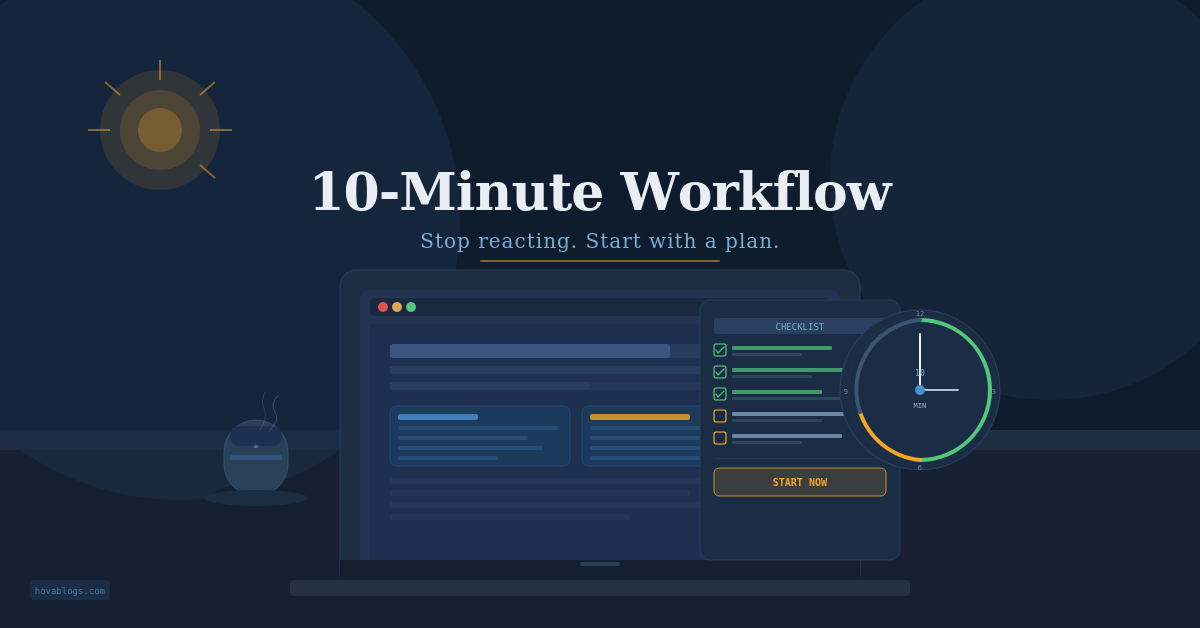
✓ Review your task list — 2 min ✓ Pick your top 3 tasks — 1 min ✓ Check your calendar — 2 min ✓ Scan your inbox — do not reply yet — 2 min ✓ Set your timer and start — 3 min
You can start this tomorrow morning. Ten minutes. That is all it costs to find out if it works.
What is a 10-minute workflow?
A 10-minute workflow is a short daily routine — done at the start of your workday or the night before — that answers three questions before work begins:
- What do I need to do today?
- What is the single most important thing?
- Where do I start right now?
Most mornings look like this: you sit down, open something, and start reacting. A message here. A task that feels urgent. An email that pulls you sideways. By the time you surface, the morning is gone and the actual work hasn’t started.
The 10-minute workflow breaks that loop. It is not about being more disciplined — it is about making the right move automatic before the chaos starts. James Clear’s research on habit stacking shows that anchoring a new routine to an existing trigger is one of the fastest ways to make any behavior stick.
Why a daily productivity system changes everything
Most people start reactively. They open email and let the inbox set the agenda. By lunchtime, they feel busy but have finished nothing that actually mattered.
“If you don’t choose your priorities, your inbox will.” — The core idea behind every effective morning work routine
I lived that way for almost two years. The moment I replaced reactive mornings with a structured 10-minute workflow, everything shifted. Harvard Business Review found that intentional planning at the start of the day leads to measurably higher output — not because you work harder, but because you start on the right thing immediately.
Want to go further? See how automating your daily tasks can save you another two hours every week on top of this routine.
Best tools for your 10-minute workflow
Pick one tool per category. Do not try to use all of them — that defeats the point of a fast routine. Here is exactly which one to start with based on where you are right now.
Task manager
Beginner — Start with Todoist. Clean, fast, works on every device. Zero learning curve. Advanced — Use Things 3 or TickTick if you want more structure and filtering.
Notes app — for your daily top 3
Minimal — Use Apple Notes or a physical notebook. Speed matters more than features here. Advanced — Use Notion or Obsidian if you want your daily log linked to your broader system.
Calendar, inbox, timer
Beginner — Google Calendar + Gmail + any phone timer. You already have all three. Use them.
How to run your 10-minute workflow: step by step
Step 1 — Open your task manager (2 minutes)
Scroll through everything. Do not add anything new yet — just look. Ask: what carried over from yesterday? What has to happen today? This single scan is what separates people who plan from people who react.
⚠ Skip this step and you are planning blind for the rest of the day.
Step 2 — Pick exactly three tasks (1 minute)
Not ten. Not five. Three. Write them in your notes app or on paper. These are the things that, if done, make today a success. The act of writing them down makes them a commitment — not a suggestion.
⚠ Most people mess this up by listing eight things. That is not a plan. That is a wish list.
Step 3 — Check your calendar (2 minutes)
Find your meetings. Find your free blocks. If you have a clear two-hour window in the morning, block it for deep work before anyone else fills it. No calendar check means you will plan tasks that physically cannot happen today.
Step 4 — Scan your inbox (2 minutes)
This is a scan. Not a reply session. Flag anything genuinely urgent, then close it. The moment you start replying, your 10-minute workflow becomes a 45-minute email spiral. That difference is the whole game.
⚠ If you reply to one email here, your morning is gone. Scan only.
Step 5 — Set your timer and start (3 minutes)
Set 25 minutes. Open task one. Do not reconsider. You already decided. Steps 1 to 4 exist entirely to make this moment frictionless — so you never have to ask “where do I start?” again.
10-minute workflow in action: real Monday morning
8:10am. You sit down, coffee in hand. You open Todoist and scan 20 items. Three stand out: finish the project proposal, send design feedback, prep talking points for the 2pm call.
You write those three in Notion. Google Calendar shows a clear two-hour block from 9 to 11. That is your proposal window. Quick Slack scan: nothing urgent, one message flagged for after 11. You open the document. Set the timer. It is 8:22am.
You are already working on the most important thing of the day — before most people have finished checking email.
Tips to make your 10-minute workflow stick
Anchor it to something you already do. Right after coffee. Right when you sit down. Tying the routine to an existing trigger makes it automatic — faster than willpower alone ever will.
Keep your tools open and ready. If you hunt for your task manager every morning, that friction kills the habit within a week. Set your browser to open workflow tabs on startup.
Use AI to compress the routine. The right tools auto-sort your inbox, surface urgent messages, and flag priority tasks before you even open your manager. This cuts the 10-minute workflow to six minutes.
Review every Friday — five minutes. Did the three-task rule hold? Did the inbox scan creep into replies? Fix the friction before the next week starts. A 10-minute workflow that doesn’t fit your real life will not survive the month.
Common mistakes that break your 10-minute workflow

Picking too many tasks. Eight must-dos is a recipe for a demoralising day. Three is the ceiling, not the floor.
Skipping the calendar check. You cannot plan tasks without knowing what time you actually have.
Turning the review into procrastination. A perfectly organised task list that never starts is avoidance with good lighting. The timer is the only thing that counts.
Keeping it all in your head. Mental notes disappear the moment Slack pings. Write the three tasks down. Every single morning.
Doing everything manually forever. As your workload grows, a manual routine gets slower. Automate the repetitive parts early or the habit breaks under pressure.
If you do not try this tomorrow morning, nothing changes. Same tabs. Same spiral. Same 2pm realisation that the important work still hasn’t started.
The 10-minute workflow does not require motivation. It does not require a productivity overhaul. It requires ten minutes and a decision to stop letting randomness run your day.
Tomorrow morning. Ten minutes. That is the whole ask.